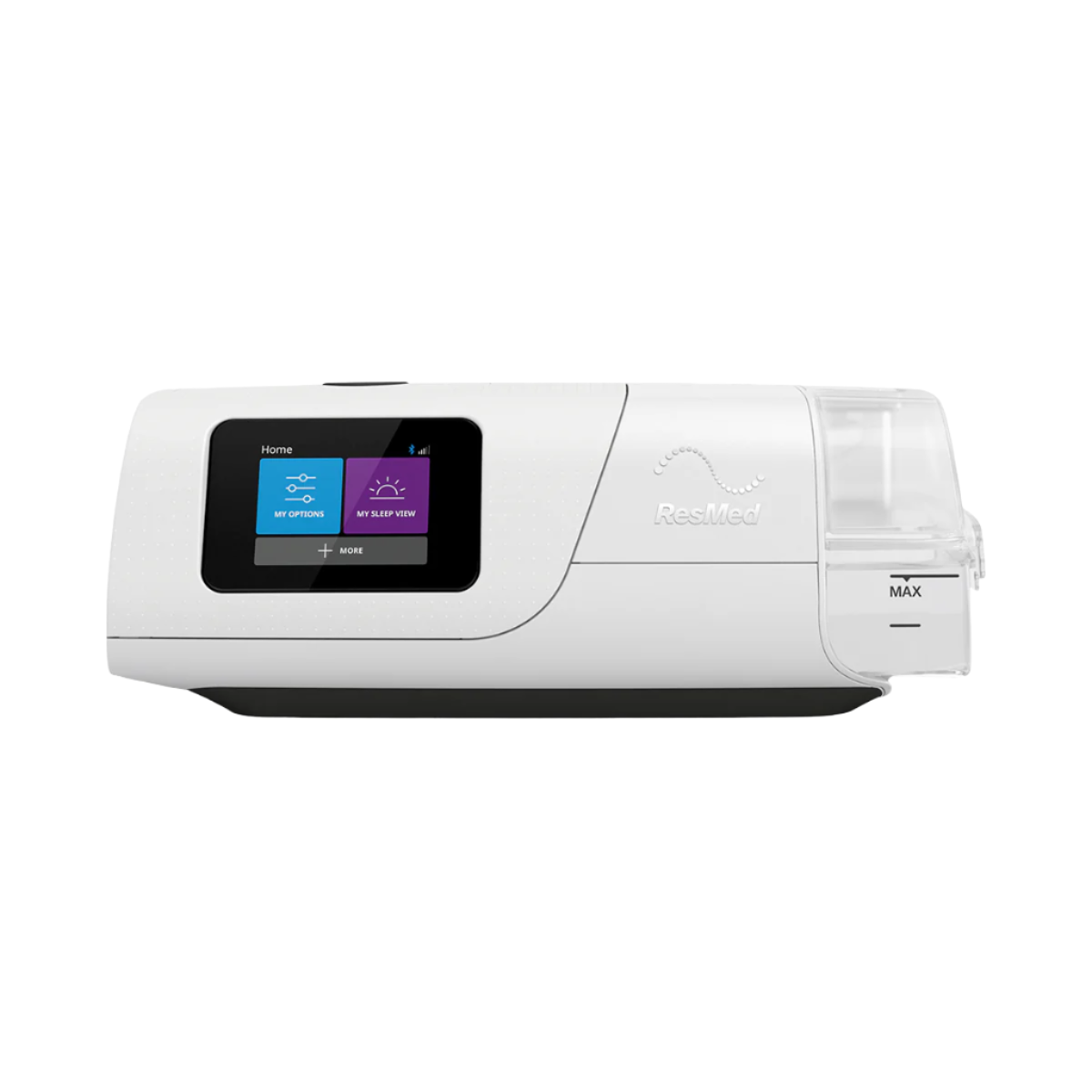
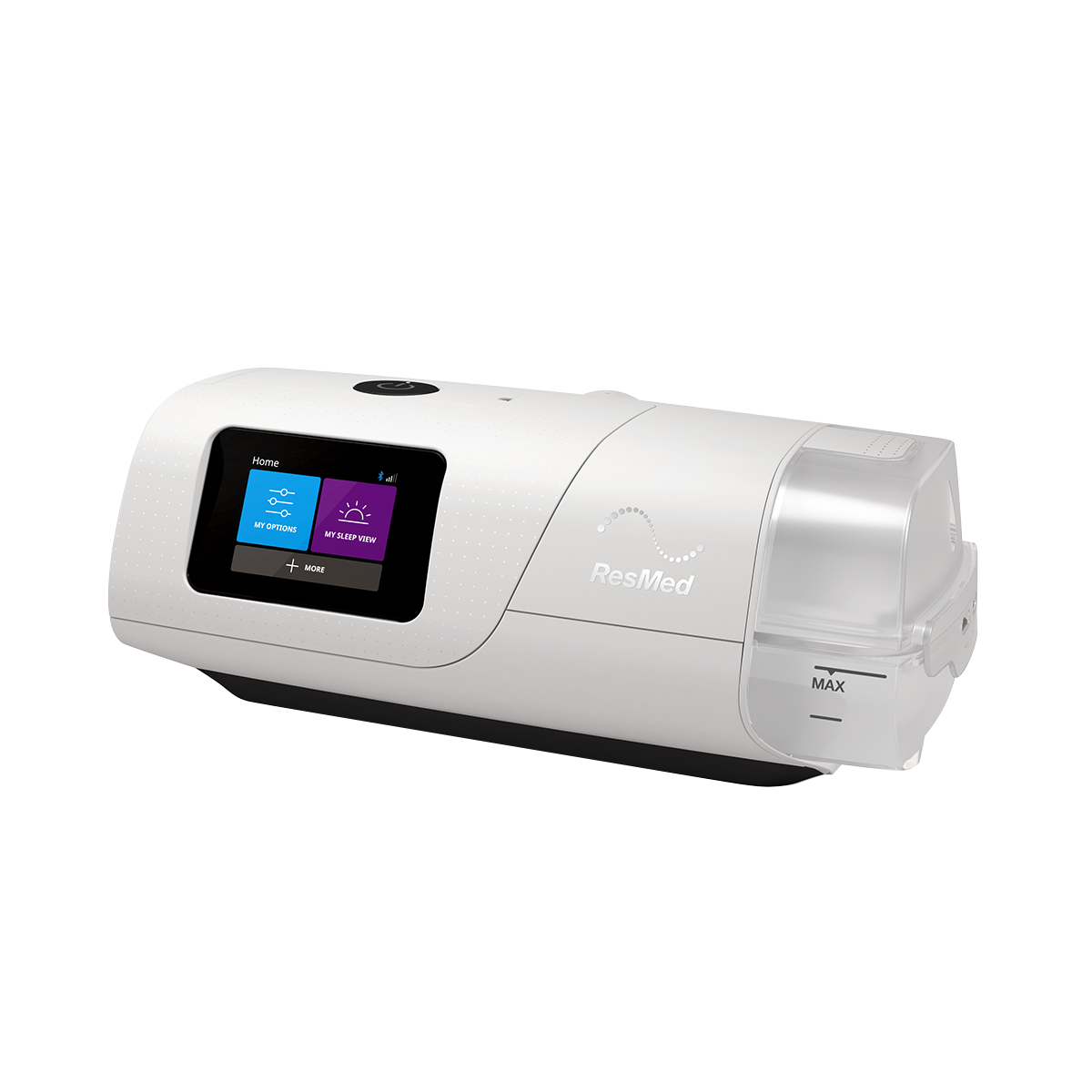
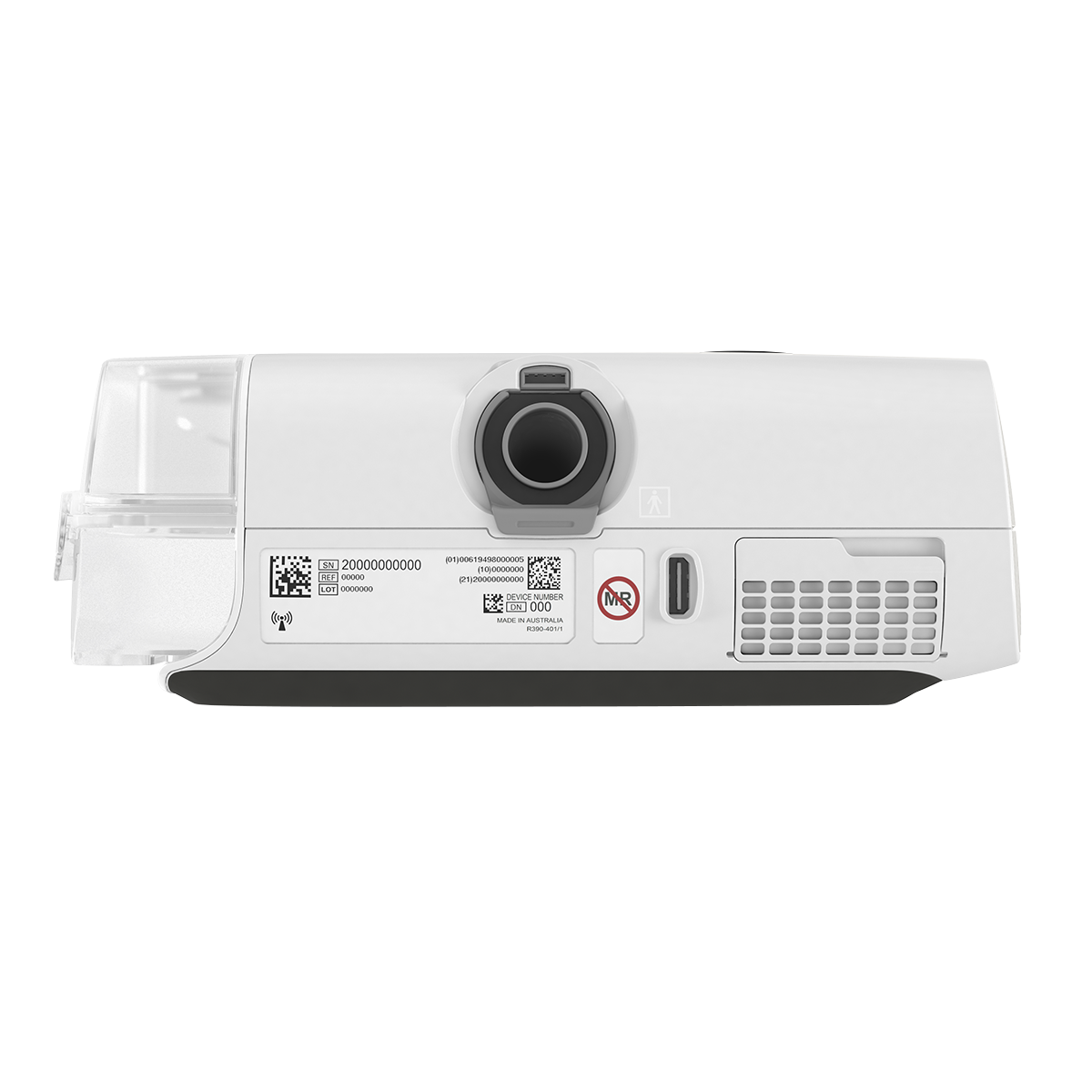
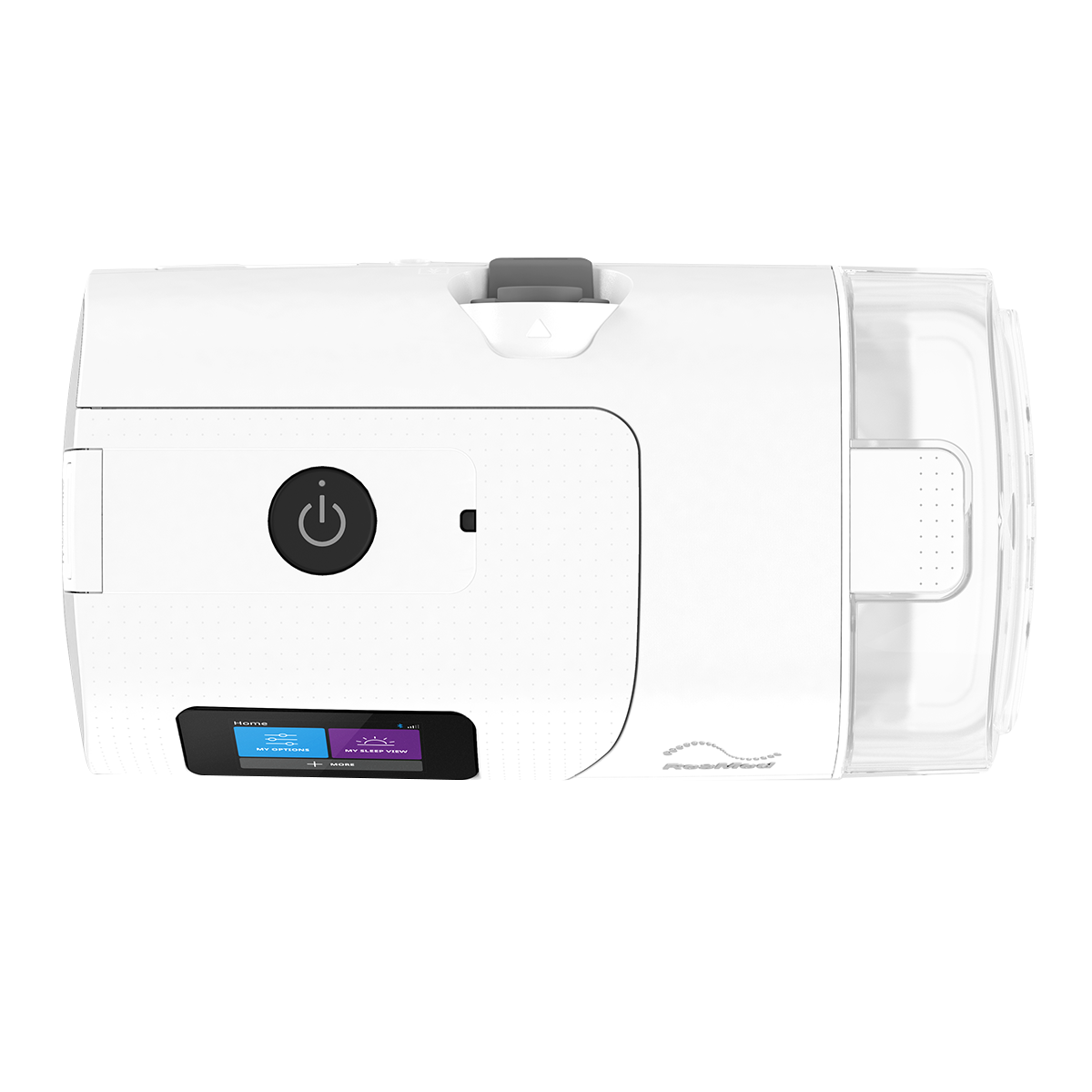
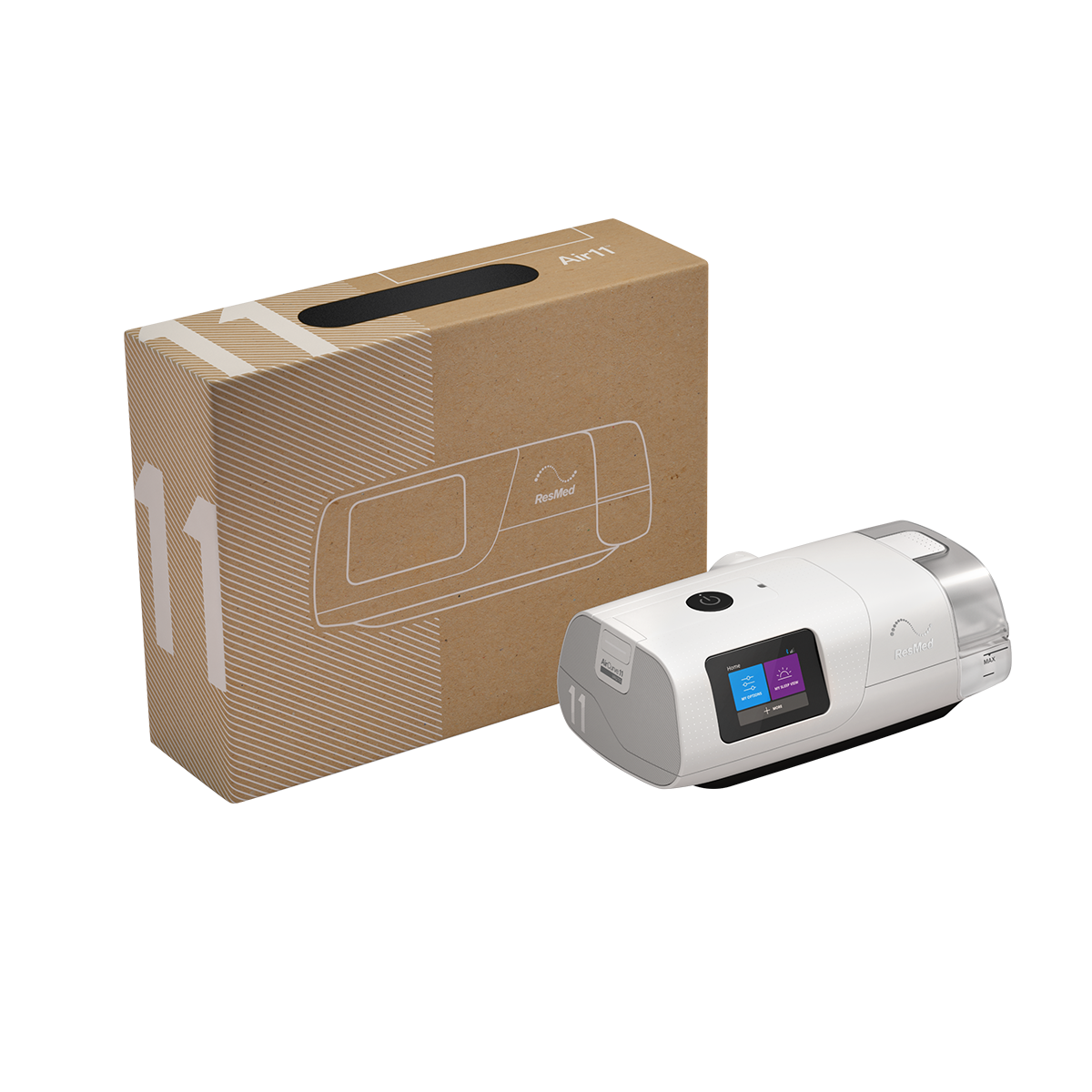
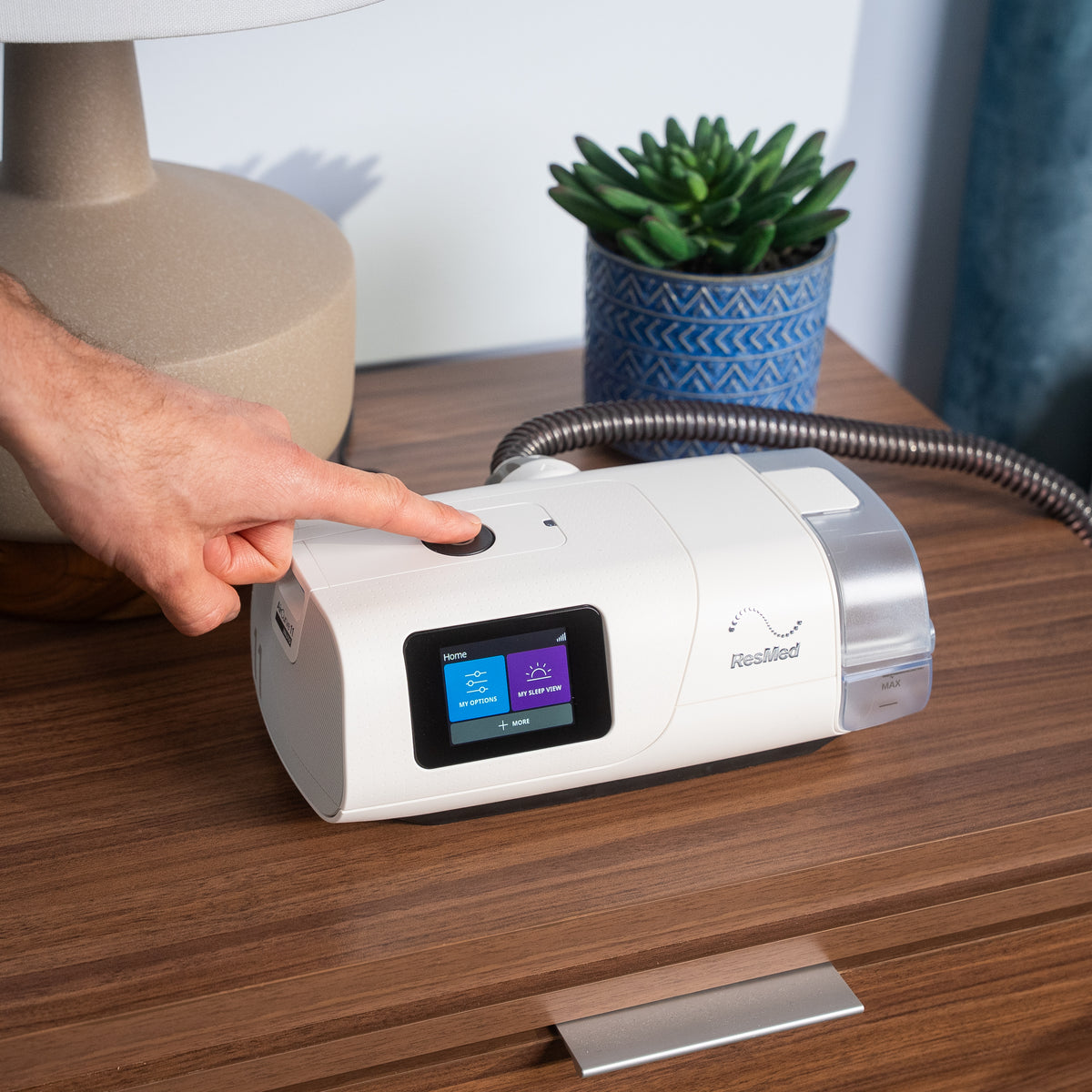
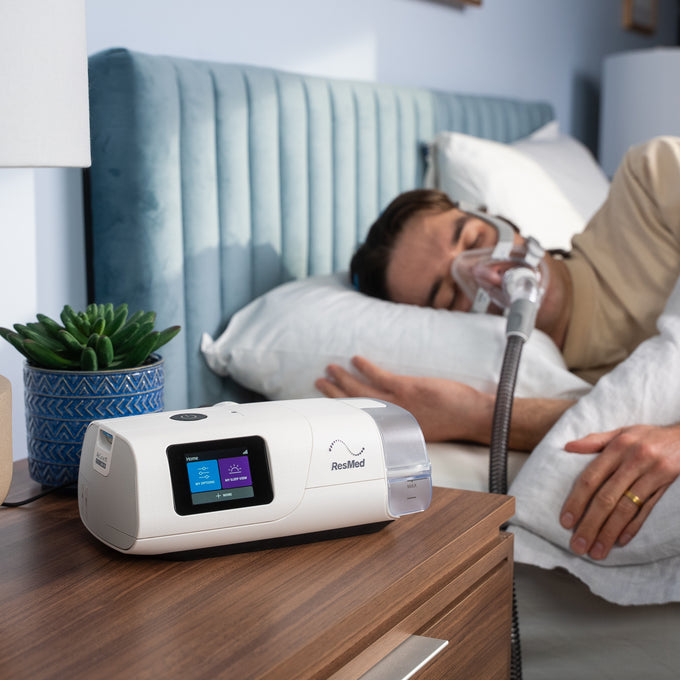
Your AirCurve 11 machine has already been set up for your needs when you receive it. But if you want to make small adjustments, here’s how to do it.
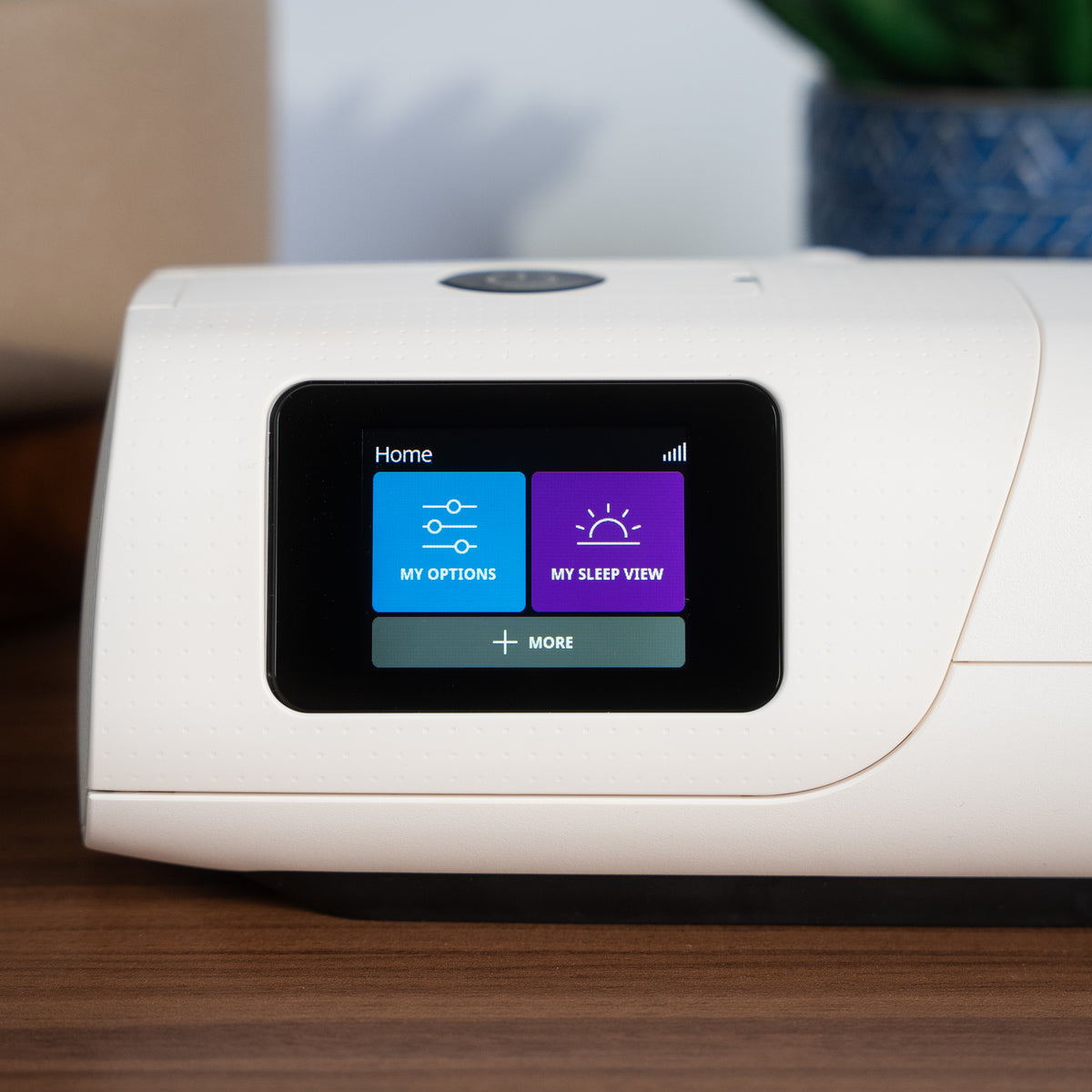
On your AirCurve 11 machine, rotate the dial to highlight My Options and press the dial to see your current settings. From here, you can personalize your options.
Humidity Level
The humidifier moistens the air and is designed to make your therapy more comfortable. With the Climate Control enhanced Auto setting, both temperature and humidity are automatically preset at levels designed for maximum comfort; all you have to do is plug it in and press Start.
You can also manually set the Humidity Level to Off or between 1 and 8, where 1 is the lowest humidity setting and 8 is the highest humidity setting. Note: if you’re using a ClimateLineAir™ heated tube, you will need to turn the Climate Control setting on your device from “Auto” to “Manual” to access the humidity level setting.
- If you’re getting a dry nose or mouth, turn up the humidity.
- If you’re getting any moisture in your mask, turn down the humidity.
How to adjust humidity:
In My Options, select Humidity Level. Scroll and select the desired humidity level.
Ramp Time
Ramp Time is designed to make the beginning of therapy more comfortable and is the period during which the airflow pressure increases from a low start pressure to your prescribed treatment pressure. You can set your Ramp Time to Off, from 5 to 45 minutes.
How to adjust Ramp Time:
In My Options, select Ramp Time and adjust to your preferred setting.